

Cloud DMS Service
Going paperless and transforming your business to an automated document management system, is a crucial step and a time saving process to speed up the workflow process, lower the risk, and reduce the operational costs.
The DMS cycle includes: Archiving, Retention, Security, Retrieval, Distribution, Filling, Authentic Approval, and Envisioning document’s development. The following will show everything regarding DMS.
Through using document management system (DMS), the organization can manage its business, automatically, starting from search, retrieval and ending with regulatory document control.
Importance of DMS
Document Management System comes equipped with an array of dynamic capabilities designed to streamline communication.
Save time
Productivity and Efficiency
Reduce the use of paper
Organize data and being able to find the required information
Customize the search parameters
Secure Access
Leverage effective outcome
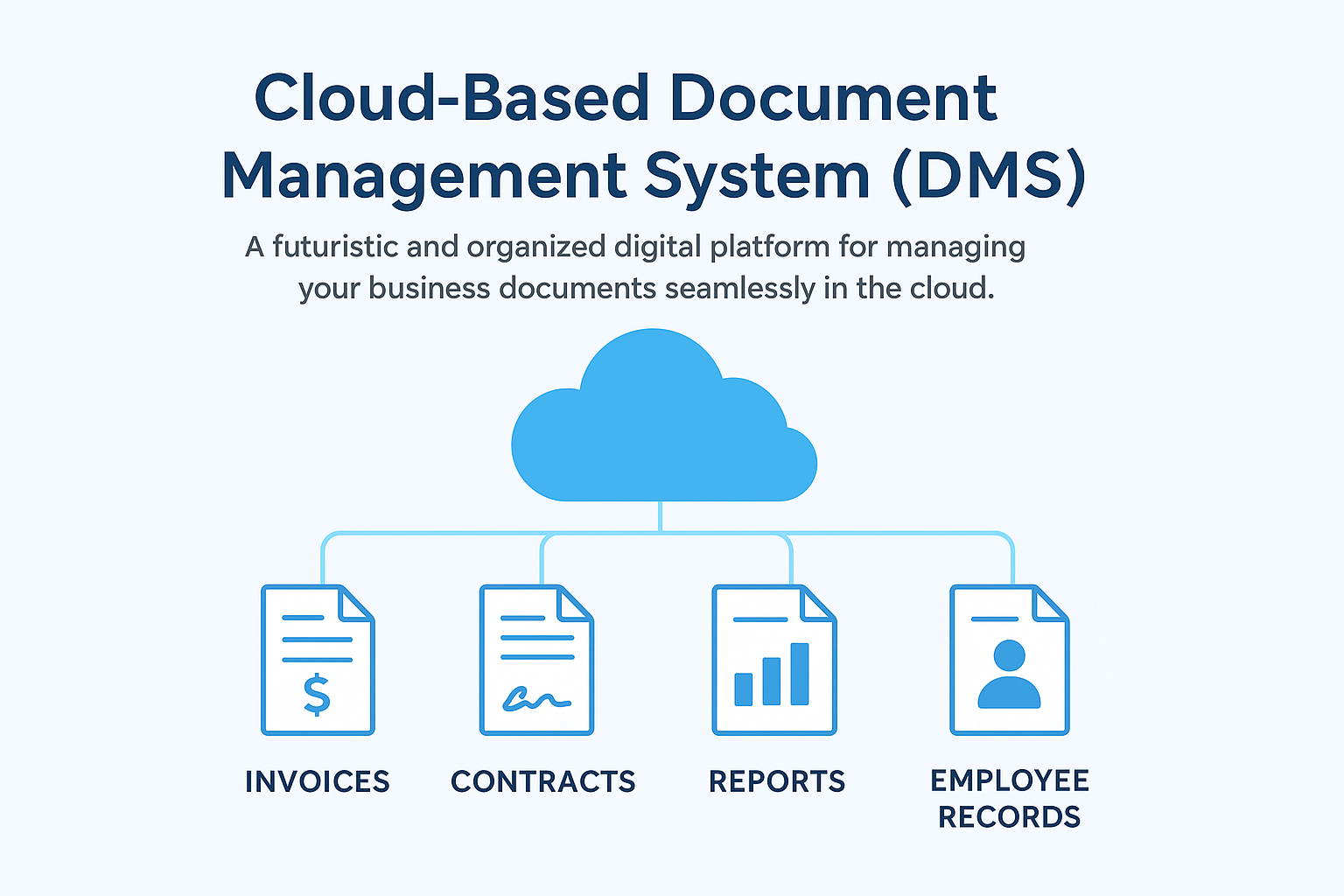
What DMS Software can offer?
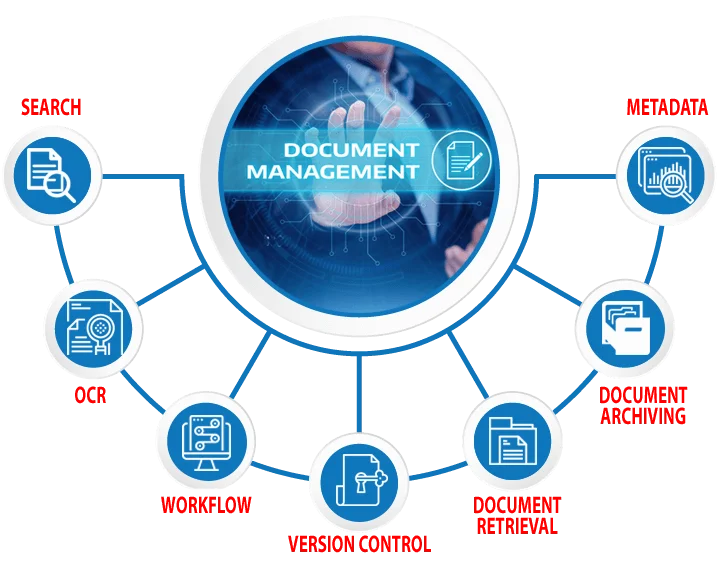
Easier search process
Decline in the cost of using papers
Improve business efficiency and productivity
Ensure an easy way to filtering, versioning, and reviewing
Digitize the documents in a secure place rather than using the paper way
Accomplish the document management more efficiently than using papers

Importance of DMS for business Efficiency
Control unlimited number of documents and retrieve the needed one
Protecting the vital information and share it with specific users
Access the document via different platforms (phone, tab, windows)
Ability to backup and recover the documents
Eliminate the problems caused from using papers like; labor-intensive duplication procedures, slow distribution, and inconvenience
Capabilities of our DMS
Find: Documents and files in seconds rather than hours.
Share: Allow more than one worker access to the same document at the same time.
Version Control: Version control gives you the ability to manage document changes and revisions--including going back to a previous version of a document.
Centralization: Store department or workgroup documents in a central storage area.
Security: Set document security for who can view and update files.
Audit: Verify who viewed and made updates to documents.
Archiving: Set retention periods for documents, and schedule archival or removal processes.
